EQUIPMENT & TECHNOLOGY

At the counter.
On the move.
Connected to your business.

Find the right way to take payments at your counter, at the table, on a job or online. Our team checks your existing setup before recommending equipment and integrations.

See the equipment
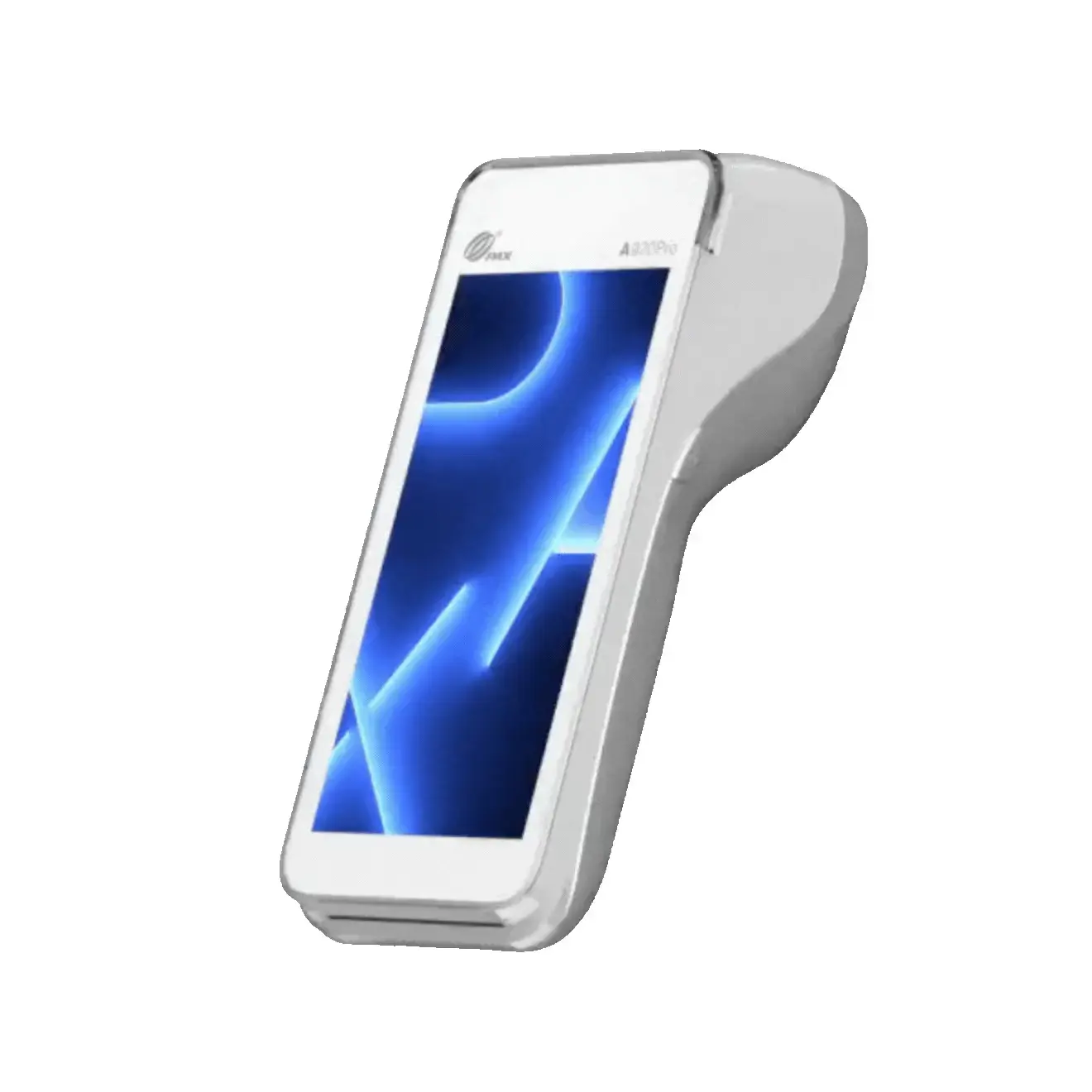
Example handheld terminal from our team’s current equipment collectionCOUNTERTOP · TABLET · HANDHELD · ONLINE
FIND THE FORMAT THAT FITS

Explore equipment formats for your business. Specific models and terms are confirmed in your proposal.

Countertop
01 / COUNTERTOP POS

A dependable counter setup.

For a fixed checkout where products, staff and customers come together. Start with counter space and your day-to-day sales workflow.

Works around
Your counter, staff and product catalogue
Discuss
Customer-facing display, receipts and peripherals
Confirm
Software, device availability and purchase or rental terms
Discuss this setup
Tablet POS
02 / TABLET & TOUCHSCREEN

Your point of sale, your workflow.

A touch-based sales interface can support menus, orders or inventory. The right fit depends on the application and integrations your team needs.

Works around
Menus, products and order management
Discuss
Staff access and connected sales tools
Confirm
POS software and processor compatibility
Discuss this setup
Handheld
03 / PORTABLE TERMINALS

Bring payment to the customer.

For tableside payments, a market stall or a completed job. The device should be easy to carry and reliable where your business actually operates.

Works around
Tables, job sites and mobile selling
Discuss
Tap, chip, swipe and receipt requirements
Confirm
Wi-Fi or cellular coverage, battery and charging
Discuss this setup
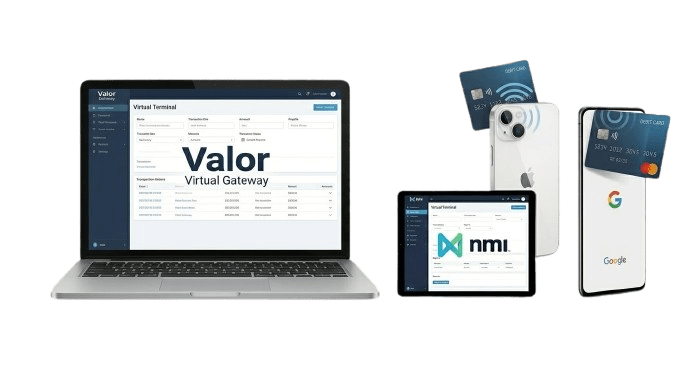
Example online and remote payment equipmentOnline
04 / ONLINE & REMOTE

A checkout beyond your premises.

Website gateways, virtual terminals and payment links serve different remote-payment needs. Bring your current platform to the conversation.

Works around
Website sales, invoices and remote orders
Discuss
Recurring billing and payment-link needs
Confirm
Gateway, platform and account configuration
Discuss this setup
BRING YOUR EXISTING SETUP

Before you replace it,
let’s check it.

A familiar system may be worth keeping. These details help our team check compatibility before equipment is recommended.

Review my setup
Device
Make, model and any connected printer or reader
Software
POS name, version and connected booking or ordering tools
Connection
Wi-Fi, wired internet or cellular coverage where you sell
Agreement
Ownership, lease or rental, plus any exit obligations
CONFIRM BEFORE YOU GO LIVE

A working checkout takes more than a device.

  • Your written equipment proposalConfirm model availability, purchase or rental, software charges and support.
  • Your customer experienceCheck payment methods, displayed prices, receipts and staff workflow.
  • Your changeover planKeep the existing setup active until the replacement is configured and checked.
Follow the changeover steps